
How to Relist an Ad
| How to Relist an Ad on BisManOnline | |
You don't have to repost an ad for an unsold item or expired ad. BisManOnline makes it easy for you to relist your ad after it has expired by doing the following:
1.) Login to your account if you have not yet done so.
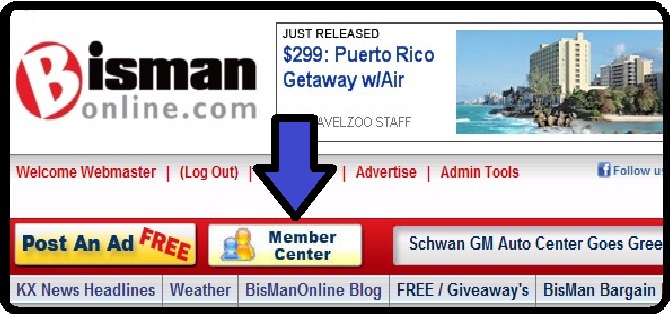
2.) Click the “Member Center” icon
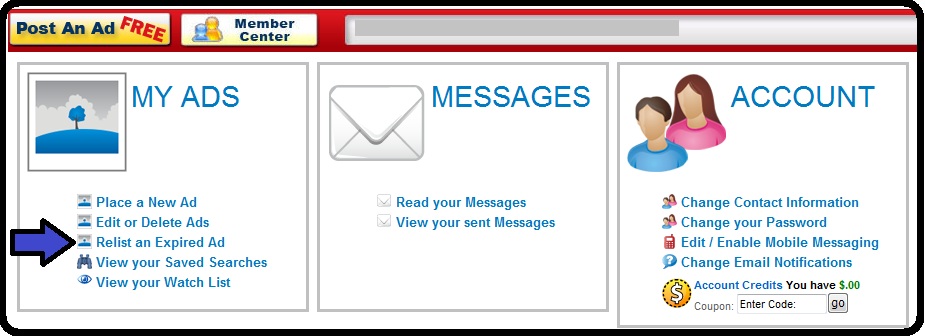
3.) Under the “My Ads” section click “Relist Expired Ad”
4.) You should now see any and all ads that are expired. Simply click the relist button to the right of the ad to relist it.
5.) Once completed a message will appear that your ad has been relisted.
 Share
Share